
Hoppa till innehåll
Business-Central-Integration-Accelerator-mockup-web
Integration-accelerator-microsoft-appsource-icon-xtensionit

Integration Accelerator

Dynamic API & Data integration for Microsoft Dynamics 365 Business Central

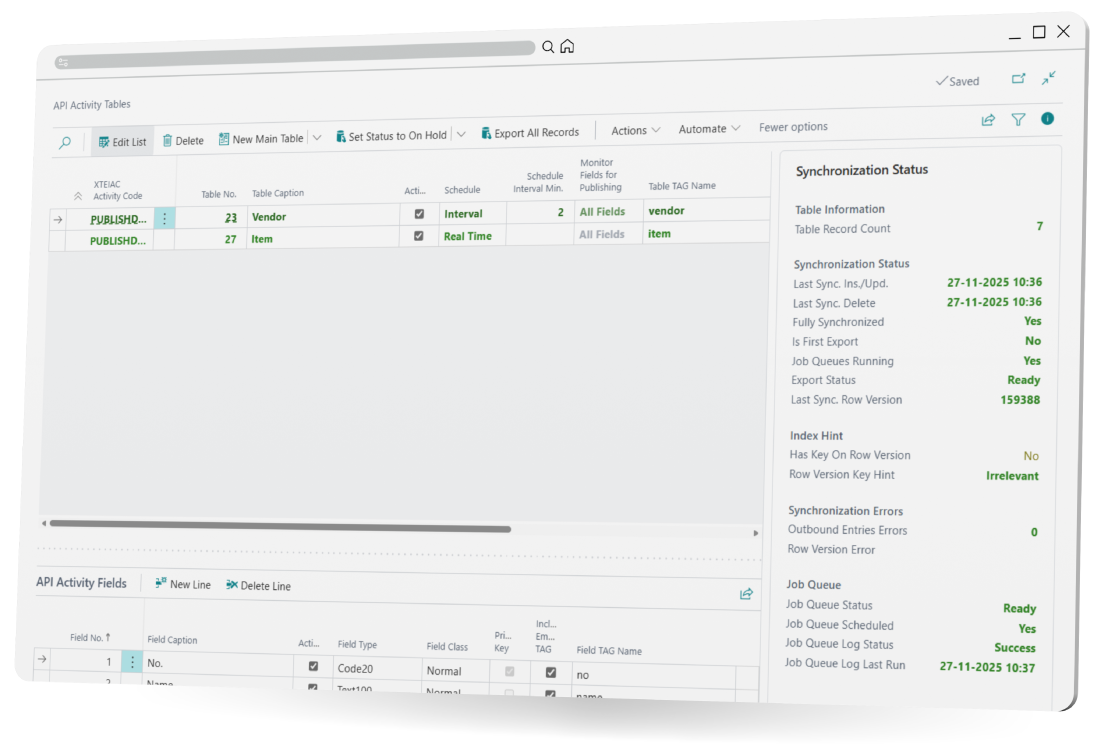
Integration Accelerator provides data exchange between Business Central and external systems. Use the Integration Accelerator user interface to create, manage, and publish Business Central API endpoints without coding.

With Integration Accelerator, you can streamline data flows, flexible handle inbound and outbound API-endpoints, and ensure smooth communication with Azure Data Lake, Microsoft Fabric, and other external systems.

Productsheet

Read our Integration Accelerator productsheet

Free trial

Download a free trial of Integration Accelerator

Order here

Get a quote or place an order for Integration Accelerator

Pricelist

Get an overview of Integration Accelerator packages

shutterstock_417879652-Solution-image

Usage Scenario

An IT-Administrator is asked to provide Business Central data to a new external platform.

Using Integration Accelerator with Business Central the new API endpoints are created without coding or external assistance. The IT-Administrator defines the fields, sets the data flow (inbound or outbound), and publishes it instantly for the external system.

As the integration scope changes, the IT-Administrator adjusts the endpoint structure, adds new data mappings, and configures additional endpoints for Azure and Microsoft Fabric - all without touching AL code.

The result is a fully scalable, future-proof integration setup that keeps data flowing smoothly across systems, reduces development bottlenecks, and allows the business to adapt faster whenever new platforms or partners need to be connected. 

Added value

UI to manage API endpoints
No developing or external resource

Flexible Data Flows
Create and modify API endpoint and JSON content

Data consolidation and analytics
Manage connection to Microsoft Fabric and Azur Data Lake

Outbound and Inbound dataflow
Data exchange from/to Customers, Webshops or 3PL

Functionality

UI defined API-endpoints (JSON format)
Error logging and monitoring
Integration with Azure or Microsoft Fabric
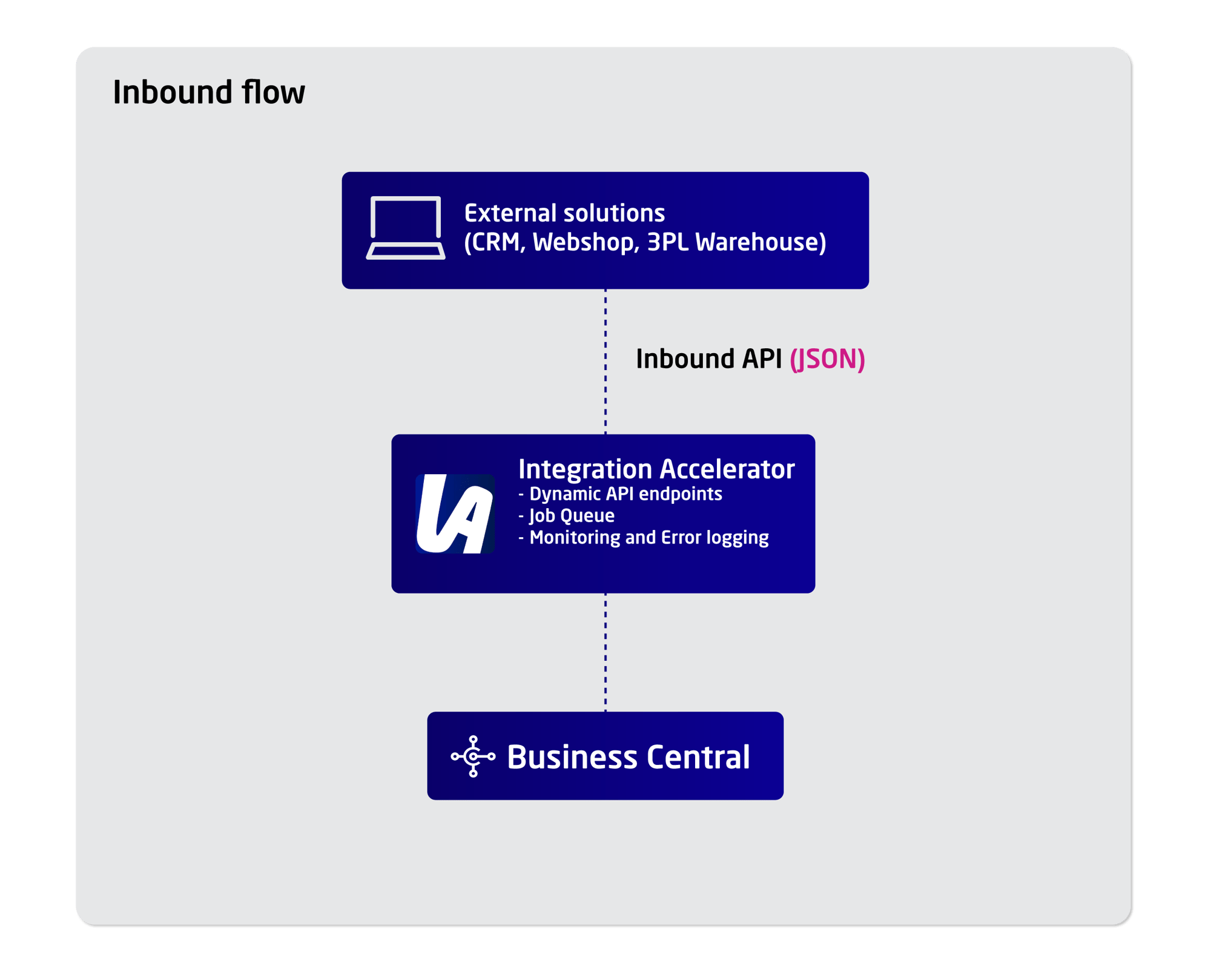
Custom API Endpoint Publishing for inbound data
Real-time data flow or with Job-queue
Integration-Accelerator-inbound-diagram
  • Requesting API-endpoint for data import
  • Process data from the Landing-table
Integration-Accelerator-inbound-diagram
  • Generic API export: You can publish data in flexible JSON format to external endpoints.
  • Publish data to Azure Data Lake or Microsoft Fabric for analytical purposes.
  • Publish data to CRM, Webshops or 3PL
Lars-xtensionit

Lars Rønde
Product Manager